What to automate first in a small business: 5 easy wins
The best first automation isn't the clever one. It's the dull job your team does every day and quietly hates.

Henil Mehta · Automation Expert
· 5 min read
Short answer
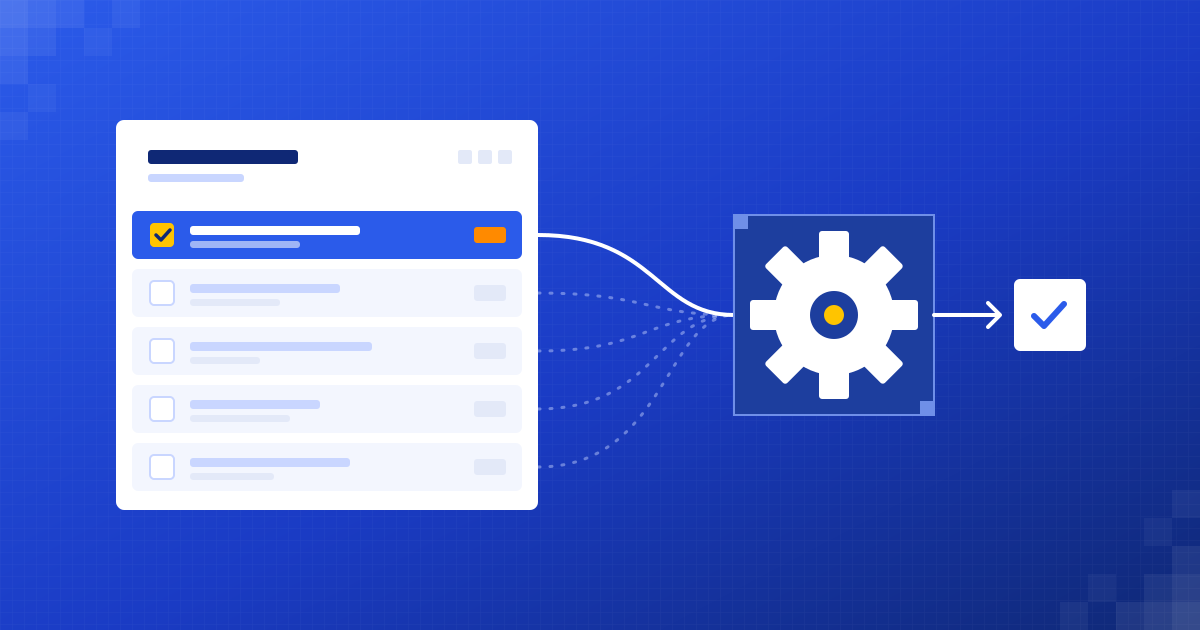
Automate the task that happens most often, follows the same steps every time and annoys your team the most. For most small businesses that's one of five things: replying to new leads, typing up invoices or orders, answering repeat customer questions, building the weekly report or copying data between tools. Start with one, prove it on real data, then add the next.
What makes a task worth automating?
Most people start in the wrong place. They pick the most exciting idea, something with AI in the headline, and spend weeks on a project that saves ten minutes a month.
We do the opposite. Before we build anything, we look for work that ticks a few plain boxes.
- It happens often. Daily or weekly, not twice a year.
- It follows roughly the same steps each time.
- The information it needs already lives somewhere digital: an inbox, a form, a sheet, a CRM.
- A mistake is annoying but fixable, not a disaster.
- Someone on your team sighs when they have to do it.
If a task ticks most of those, it's a good candidate. If it needs real judgement every single time, leave it with a person for now.
Why reply to new leads automatically?
Someone fills in your contact form at 7pm. You see it the next morning. By then they've emailed two other companies and one of them already called back.
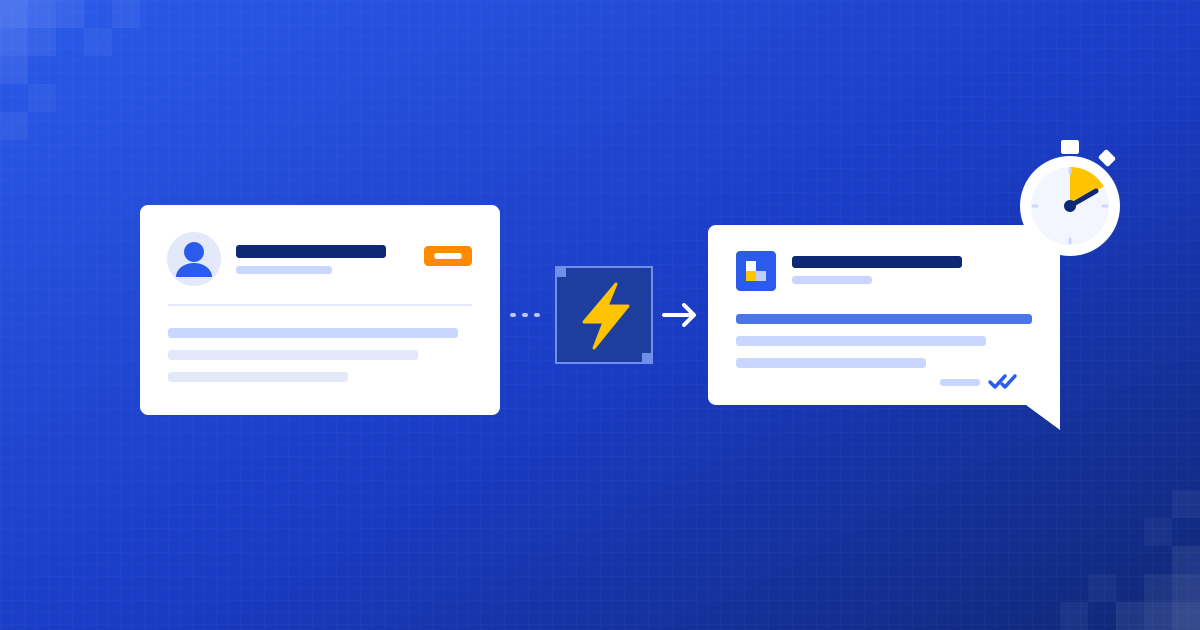
An automation can reply the moment the lead arrives, in your tone of voice. It can answer what they actually asked, ask one useful question back, offer a time from your calendar and log the lead in your CRM. Your team picks it up when there's a real conversation to have.
This is often the quickest win, because the cost of a slow reply is easy to see and the setup is small.
Can AI really type up invoices and orders?
Yes, and this is where modern AI is genuinely better than the old tools. Every supplier sends a different layout. Older software needed a template for each one. AI reads the document more like a person would.
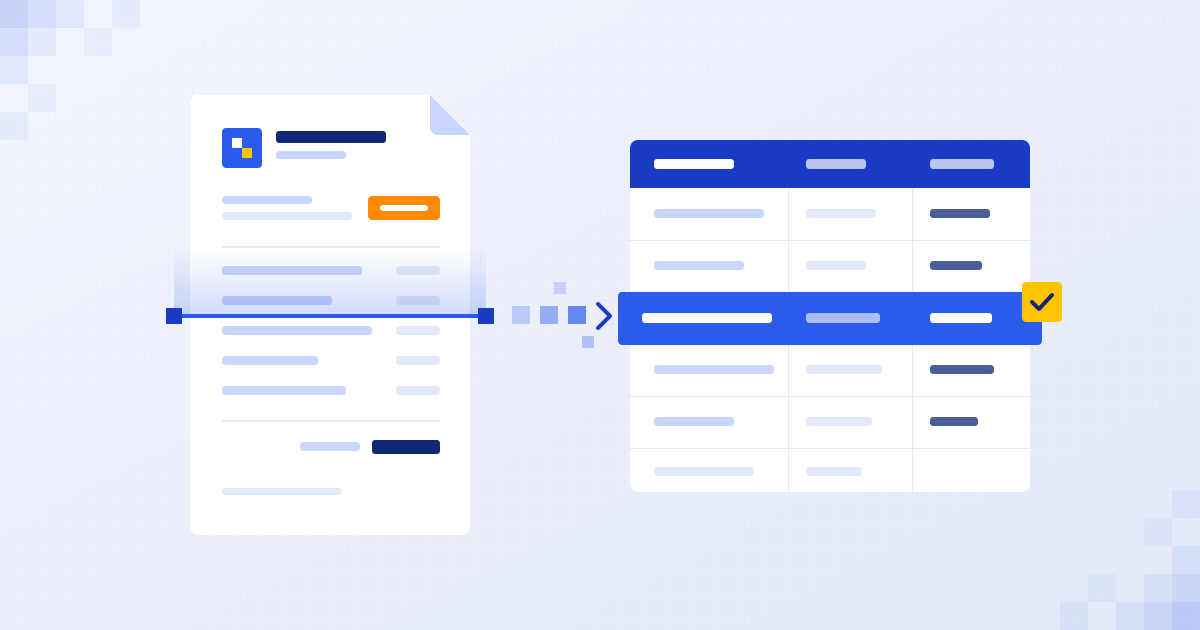
It pulls out the supplier, invoice number, dates, line items and totals, checks they add up, and saves them to your sheet or accounting software. Anything odd, like a new supplier or a total that doesn't match, gets flagged for a person instead of guessed.
What about answering the same customer questions?
Opening hours. Delivery times. Where's my order. Do you cover my area. These questions are easy, but they never stop, and each one pulls someone away from proper work.
An AI support agent can answer them on your website, WhatsApp or email, using your own information. When it doesn't know, it says so and passes the chat to a human with the full conversation attached.
Can the weekly report build itself?
A lot of small teams lose part of every Monday to the same ritual. Export from the shop, export from the CRM, paste into a sheet, fix the formulas, write a few lines, send it round.
An automation can pull those numbers on a schedule, put them in one simple summary and add a short written note on what changed. You read it with your coffee instead of building it.
Is copying data between tools worth automating?
Usually, yes. It's the least glamorous item on this list and often the one that saves the most headaches.
This kind of work runs quietly in the background. Nobody notices it until it stops, which is exactly how it should be.
How do you pick your first one?
Don't try to do all five at once. One working automation teaches you more than five half-finished ones.
- Write down the repeated tasks your team does in a normal week.
- Next to each, note roughly how often it happens and who does it.
- Circle the one that happens most and annoys people most.
- Check the information it needs is already digital somewhere.
- Build that one, run it on real work for a few weeks, then pick the next.
We build on the tools you already use, like Gmail or Outlook, Google Sheets or Excel, your CRM and your accounting software, so there's nothing new for your team to learn.
If you'd rather not do the list yourself, that's what our free 30-minute audit is for. We look at how work moves through your business with you, point to the one task worth automating first, and send you a short written summary and a fixed quote afterwards.
Questions people ask
What is the easiest thing to automate in a small business?
Replying to new leads and copying data between tools are usually the easiest. They follow the same steps every time and the information is already digital.
Do I need new software to start automating?
No. We build automations on top of the tools you already use, such as your email, spreadsheets, CRM and accounting software.
Which tasks should not be automated?
Tasks that need fresh judgement every time, sensitive conversations like complaints or negotiations, and rare one-off jobs. Those are better left with a person.
How much does a first automation cost?
It depends on the task and your tools, so we don't publish prices. After a free 30-minute audit you get a fixed quote for the specific automation, with no obligation.
Written by
Henil Mehta
Automation Expert at Dizilus. You talk to the people who build your automations, not a sales rep.