How to automate invoice processing without new software
Stop typing invoices by hand. Let AI read them, check them and file the numbers where they belong.

Henil Mehta · Automation Expert
· 4 min read
Short answer
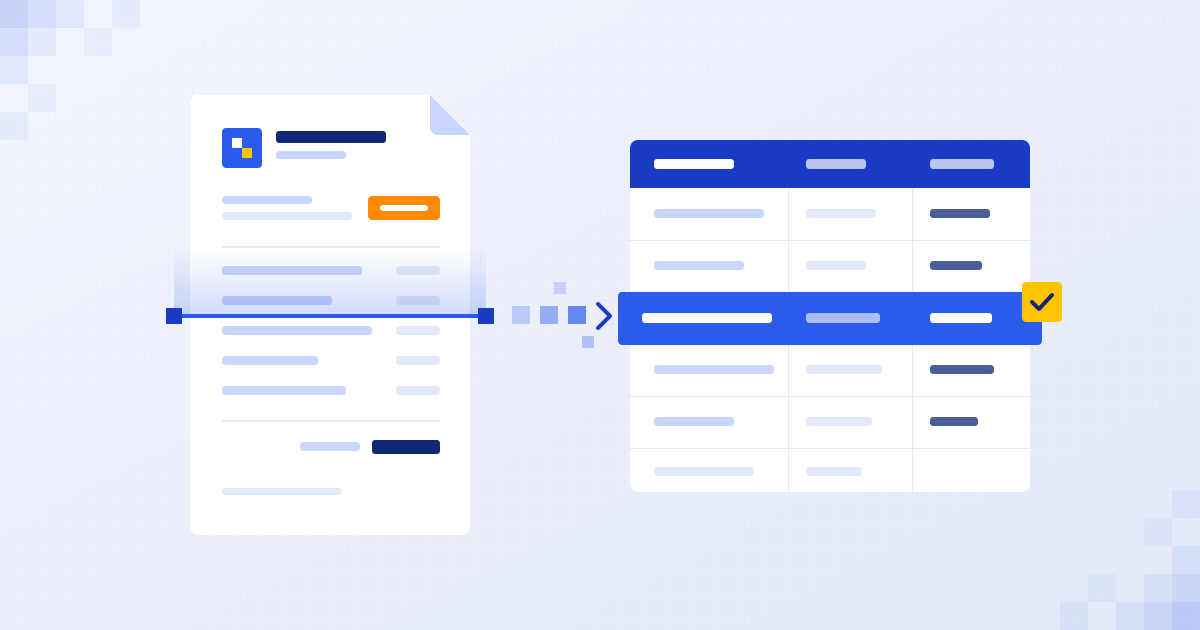
To automate invoice processing, an automation watches the inbox or folder where invoices arrive, uses AI to read each one whatever its layout, and pulls out fields like supplier, invoice number, dates and totals. It checks them against simple rules, saves them to your spreadsheet or accounting software and flags anything unusual for a person to approve. You don't need new software, just a connection between the tools you already use.
What does typing invoices by hand really cost you?
Every invoice that lands in your inbox has to be opened, read and typed somewhere. Supplier, invoice number, date, due date, net, tax, total. Sometimes line items too.
Each one only takes a few minutes. The trouble is they never stop, and the person doing it is usually someone whose time is worth more elsewhere.
Then there are the typos. A transposed digit in a total, a duplicate entered twice, a due date missed. None of it is dramatic on the day. It all shows up at month end, when someone has to find it.
How does automated invoice processing work?
When I build one of these, it nearly always follows the same shape.
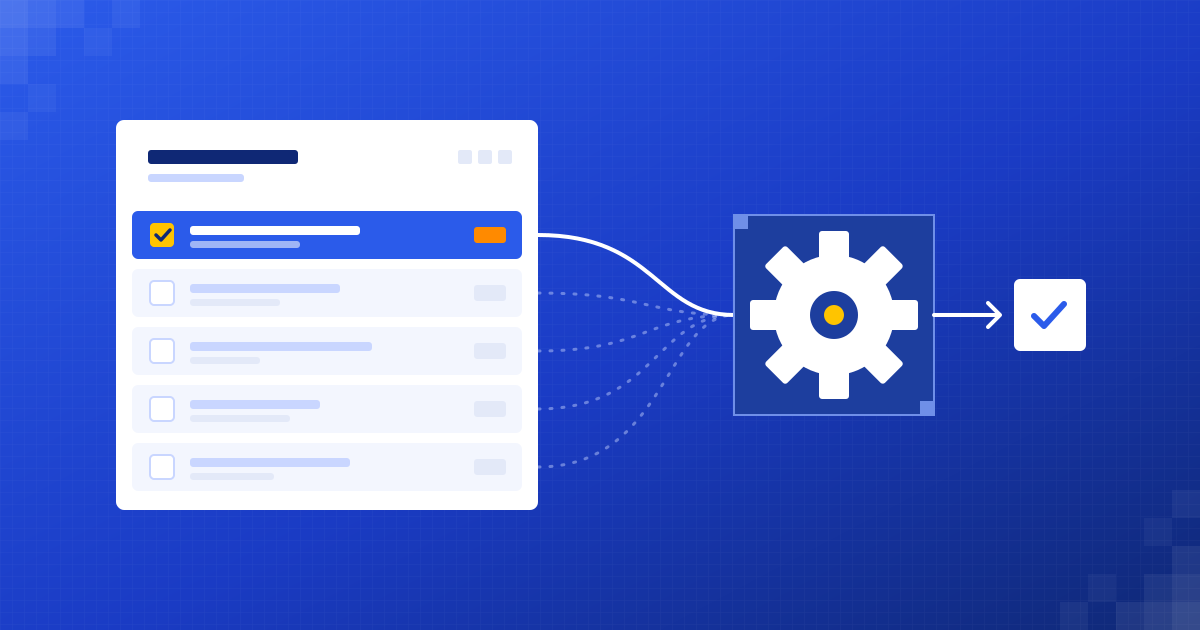
- Watch the place invoices arrive: a shared inbox, a Google Drive or OneDrive folder, or a supplier portal.
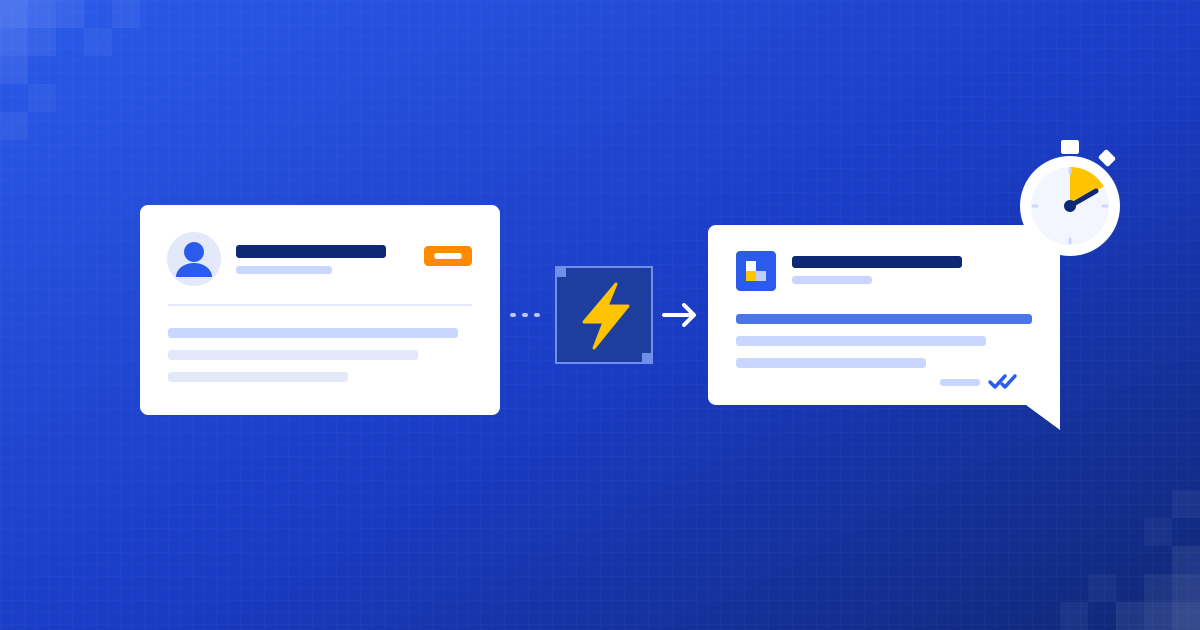
- When a new invoice comes in, AI reads the PDF or photo and finds the fields you care about.
- Run checks: does the total add up, is the supplier known, has this invoice number been seen before, is the VAT sensible.
- If everything passes, save the data to your sheet or accounting software and file the original.
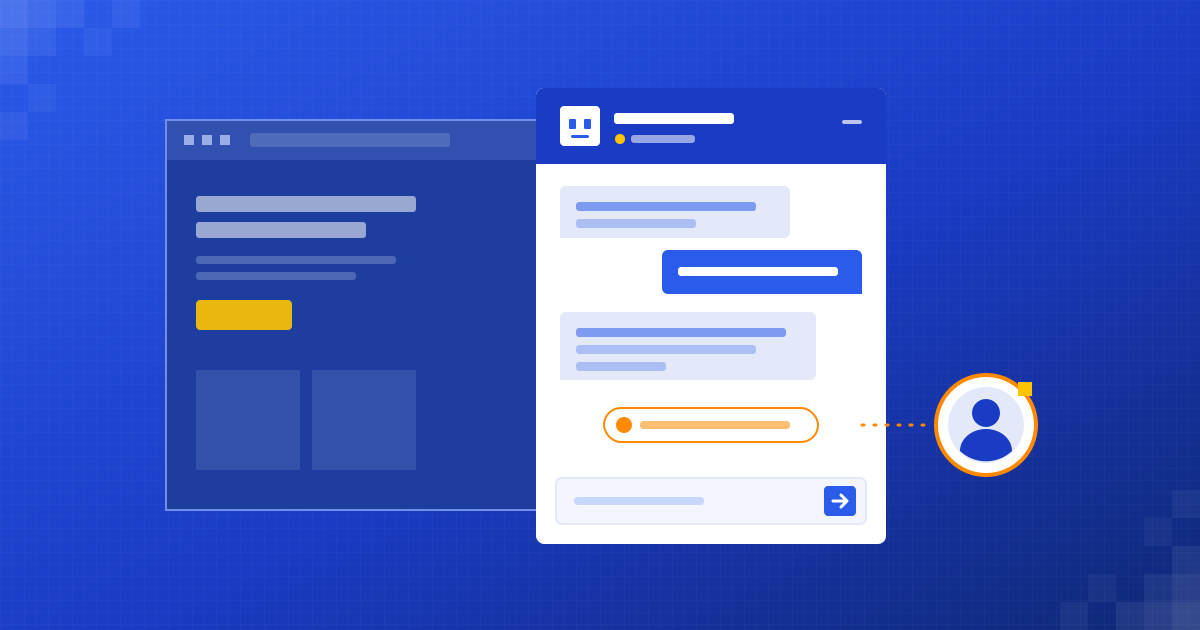
- If something fails, flag it for a person with a clear note on what looked wrong.
The AI part is reading the document. Everything around it is plain, predictable rules. That mix is what makes it reliable.
Can AI read invoices that all look different?
Yes. This is the bit that changed in the last few years. Older tools needed a template for every supplier layout, and broke the moment a supplier redesigned their invoice.
AI reads a document more like a person would. It understands that “Amount due”, “Total payable” and “Balance” are probably the same thing, even if they sit in different corners of the page.
It isn't perfect. Blurry phone photos and handwritten notes are harder. That's exactly why the checks and the human review step exist.
Where does a person still check?
Anything unusual is flagged, never guessed. Typical flags look like this:
- A supplier you've never paid before.
- Line items that don't add up to the total.
- An invoice number that looks like a duplicate.
- A missing field, such as no due date or no VAT number.
- An amount well above what that supplier normally charges.
A person looks at those, fixes or approves them with a click, and the rest flows through on its own. You stay in control of what gets paid. The automation just does the typing.
The automation does the typing. You still decide what gets paid.
What does this look like in a real week?
The same pattern works for orders, delivery notes, receipts and purchase orders. If it's a document with numbers that someone types up, it's a candidate.
Do you need new software for this?
No. We connect to what you already have: Gmail or Outlook, Google Sheets or Excel, your cloud storage and your accounting software. Your team keeps working where they already work.
Is it worth automating for your business?
If someone on your team types invoices or orders by hand every week, the answer is usually yes. If you get three invoices a month, probably not yet, and we'll say so.
In a free 30-minute audit we look at how documents move through your business today, using your real examples. You talk to the people who'd build it. Afterwards you get a short written summary and a fixed quote, and there's no obligation to go ahead.
Questions people ask
Can AI read scanned or photographed invoices?
Yes, as long as the image is reasonably clear. Very blurry or handwritten documents are harder, so they're flagged for a person to check rather than guessed.
Which accounting software can this connect to?
Most popular accounting tools have a way to receive data from outside, and we connect to the one you already use. If a direct connection isn't possible, the data can go to a spreadsheet you import from.
What happens if the AI reads an invoice wrongly?
The checks catch most problems, such as totals that don't add up or duplicate invoice numbers, and flag them for a person. Nothing is paid automatically unless you decide it should be.
Is my financial data safe?
We build on your existing accounts and keep access to the minimum the automation needs. We go through exactly where data is stored and who can see it before anything goes live.
Written by
Henil Mehta
Automation Expert at Dizilus. You talk to the people who build your automations, not a sales rep.