Automated lead follow-up: how to reply to every lead fast
A lead that waits goes somewhere else. Here's how to answer every one quickly without living in your inbox.

Shubham Naliyapara · Business & Sales Expert
· 4 min read
Short answer
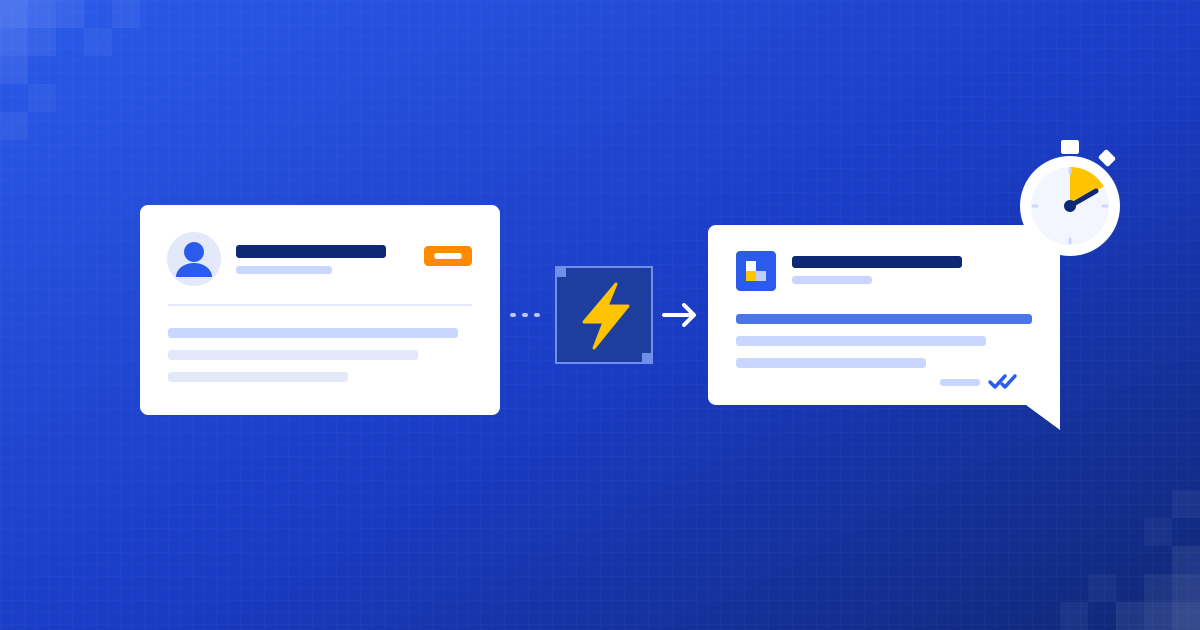
Automated lead follow-up replies to a new enquiry the moment it arrives, reads what the person asked, answers it in your tone, asks a qualifying question and offers a meeting time. It logs everything in your CRM and hands the lead to a person once there's a real conversation to have. Your team still closes the deal; the automation makes sure nobody waits.
Why does reply speed matter so much?
When someone asks for a quote, they're ready to talk right now. They've got the problem in their head and a few minutes free. A few hours later they're in a meeting, or they've already booked whoever called first.
I spend most of my week on sales, and the pattern is simple. People rarely choose the best company. They choose the one that made it easiest to say yes.
Most lost leads aren't lost to a better offer. They're lost to a faster reply.
Small teams can't sit by the inbox all day. That isn't a people problem. It's a timing problem, and timing is something software is good at.
How does automated lead follow-up work?
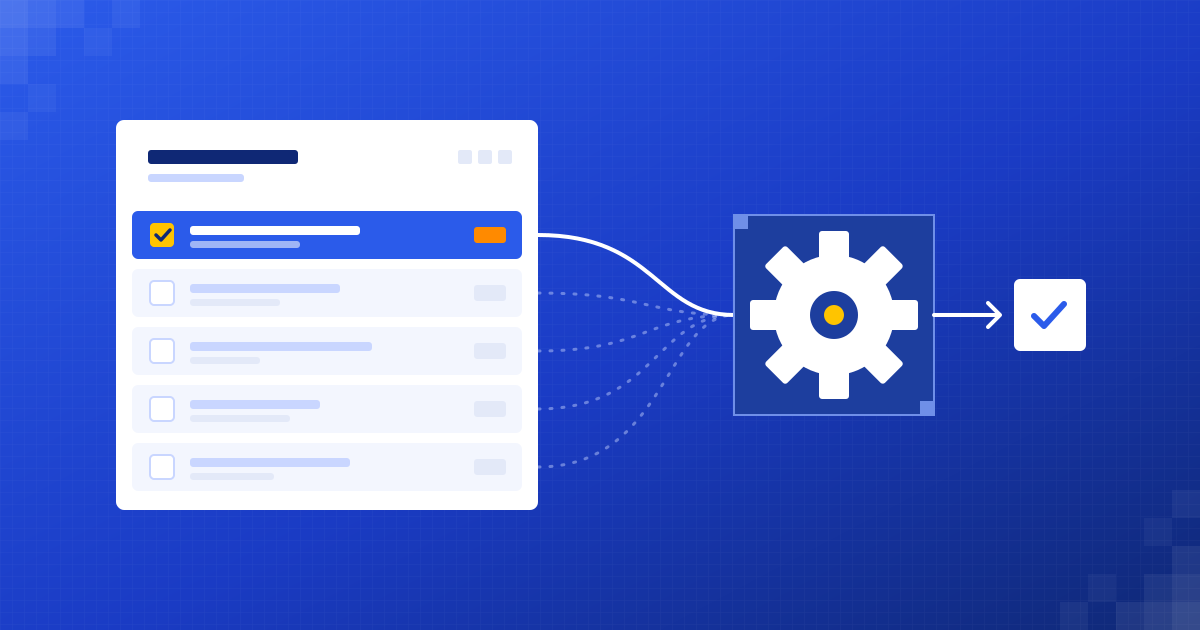
Under the hood it's a short chain of steps that runs every time a lead comes in.
- A lead arrives from your website form, email, WhatsApp or an ad platform.
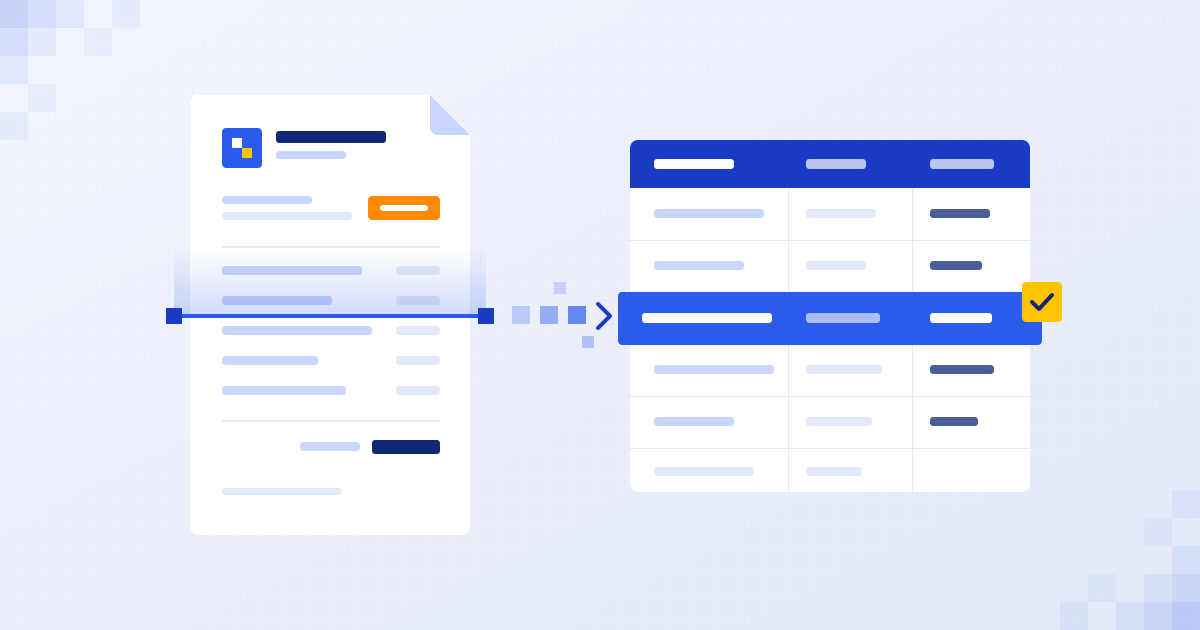
- AI reads the message and works out what they want, how urgent it is and whether it fits what you do.
- It sends a short reply in your tone that answers their actual question, not a generic thank you.
- It asks one qualifying question or offers a slot from your calendar, for example through Calendly.
- It creates or updates the contact in your CRM with a short summary.
- It alerts the right person on your team when the lead is hot or asks something only a human should answer.
None of that needs a new system. We wire it into the form, inbox, calendar and CRM you already have.
What does a good automatic reply look like?
The difference between a reply that helps and one that annoys is whether it reads what the person wrote.
It's short. It sounds like you. It moves things one step forward.
What still needs a human?
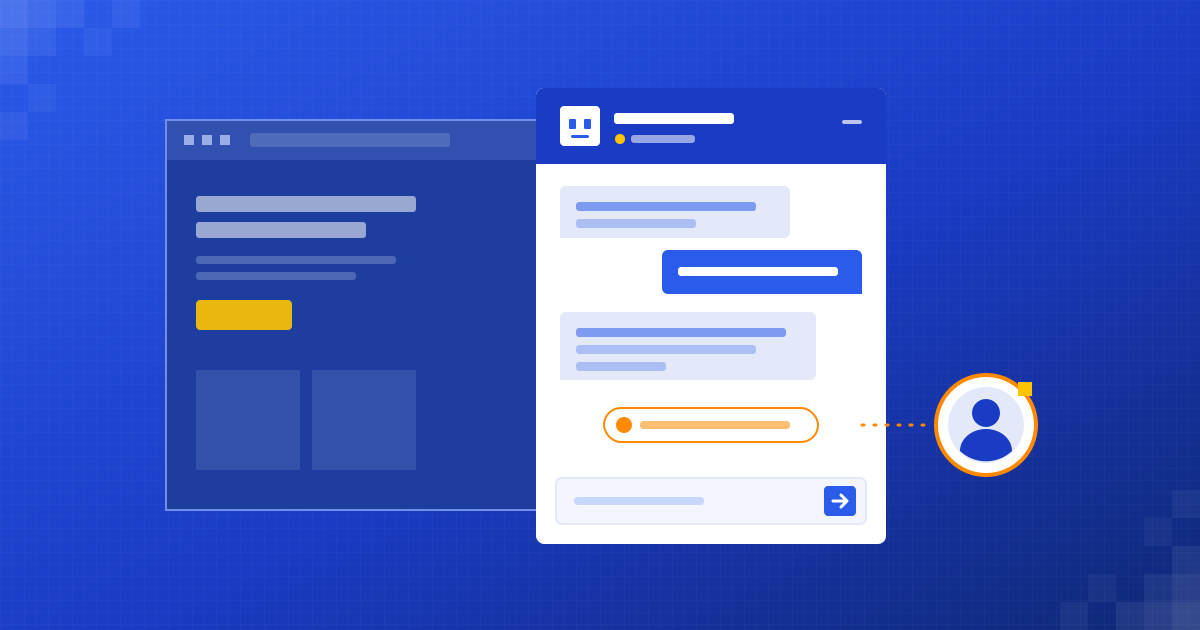
The automation starts the conversation. Your team closes it. We're strict about where that line sits.
- Pricing discussions and anything that sounds like a negotiation.
- Unusual requests the AI isn't sure about.
- Unhappy or sensitive messages.
- Big or strategic leads you'd want to call personally anyway.
When a lead crosses that line, the right person gets the full history in one place, so nobody has to ask the customer the same question twice.
What should you watch out for?
Two things go wrong with lead automation, and both are avoidable.
The first is sounding like a robot. If the reply ignores what the person said, it does more harm than a slow human reply. That's why we write the tone and the rules with you, and test them on your real past enquiries before anything goes live.
The second is over-promising. The automation shouldn't quote prices or commit to dates it can't check. It answers what it knows, books the next step and hands over the rest.
How do you get started?
Start with one channel, usually the website form or your main inbox, because that's where most leads land. Watch it with real leads for a couple of weeks, adjust the tone and the hand-off rules, then add WhatsApp or your ad forms.
If you want help mapping it out, book our free 30-minute audit. You'll talk to the people who'd build it, we'll look at where your leads come from and what happens to them today, and you'll get a short written summary and a fixed quote afterwards. No obligation either way.
Questions people ask
Will customers know the first reply is automated?
Some will guess, and that's fine. What matters is that the reply is quick, relevant and honest, and that a real person takes over when needed.
Which channels can automated lead follow-up cover?
Website forms, email inboxes like Gmail or Outlook, WhatsApp and most ad lead forms. We usually start with one and add others once it works well.
Do I need a CRM for this?
It helps, but it isn't required. If you don't have one, leads can be logged in a Google Sheet or Excel file to start with.
Can the automation book meetings for me?
Yes. It can offer times from your calendar or share a booking link such as Calendly, and the meeting lands straight in your diary.
Written by
Shubham Naliyapara
Business & Sales Expert at Dizilus. You talk to the people who build your automations, not a sales rep.