
Automation by industry / Construction and trades
AI automation for construction and trades
AI can reply to quote requests while you are on site, collect photos and job details, book site visits, read supplier invoices into your accounts and chase overdue payments. You still price the work and make the calls, without spending evenings on paperwork.
Sound familiar?
Where the time goes
When you run a building or trades business, the phone rings while you are up a ladder. By the time you call back that evening, the customer has often found someone else, and you still have quotes to write.
Then there is the paperwork: supplier invoices to log, job details to pass to the team, materials to order and customers to chase for payment. Most of it ends up being done late at night or at the weekend.
What we automate
5 automations for construction and trades
- 01Sales
Quote request replies and job details
The problem: Quote requests arrive while you are on site, and a slow reply often means losing the job.
What we build: Every request gets a quick reply that asks for the address, photos and what the job involves, and offers a time for a site visit. You get a tidy summary to price from. The quote itself stays with you.
ExampleSay a homeowner asks about a new kitchen at lunchtime. They get a reply asking for photos and measurements, book a visit for Thursday, and you see it all in one message when you finish for the day.
Job scheduling and team updates
The problem: Getting the right person to the right site with the right details means a lot of calls and messages every morning.
What we build: When a job is booked, the details, address and notes go to the right team member, the customer gets a confirmation, and everyone gets a reminder the day before. Changes are sent out the same way.
ExampleSay a job moves from Tuesday to Wednesday. The customer and the electrician both get the update, and the calendar changes without anyone ringing round.
Supplier invoices and receipts
The problem: Merchant invoices and receipts pile up in vans and inboxes, and logging them against jobs takes hours.
What we build: Invoices and photos of receipts are read and saved to your accounts or a sheet, tagged to the right job where possible. Anything unclear is flagged for you to check.
ExampleSay you photograph a timber merchant receipt in the van. It is logged against the Smith Street job before you get home.
Payment chasing
The problem: Chasing customers for stage payments and final invoices is awkward and easy to put off.
What we build: Polite reminders go out when invoices fall due and again if they become overdue, stopping as soon as payment arrives. You decide when a person needs to pick up the phone.
ExampleSay a final invoice is a week overdue. The customer gets a friendly reminder with the payment link, and you see it on your overdue list if they still have not paid.
Weekly jobs and cash summary
The problem: Knowing which jobs are profitable and what money is owed means sitting down with spreadsheets at the weekend.
What we build: A short weekly summary shows jobs booked, quotes waiting, invoices outstanding and costs logged against each job.
ExampleSay you want to know how much is owed before you order materials for a big job. It is in Monday's summary.
Works with tools like
WhatsAppGoogle CalendarXero or QuickBooksA job management appGoogle SheetsGmailFAQ
Questions construction and trades ask us
I am not very technical. Will I be able to use it?
Yes. Most of it runs in the background, and you deal with it through tools you already use, like WhatsApp and email.
Will it send quotes without me?
No. It collects the details and books visits. You decide the price and send the quote.
Does it work with my accounting software?
Xero and QuickBooks connect well, and a Google Sheet works if you do not use either. We check during the free audit.
What does it cost?
You get a fixed quote after a free 30-minute audit, once we know which job is taking up most of your evenings.
Read more
 Sales
SalesAutomated lead follow-up: how to reply to every lead fast
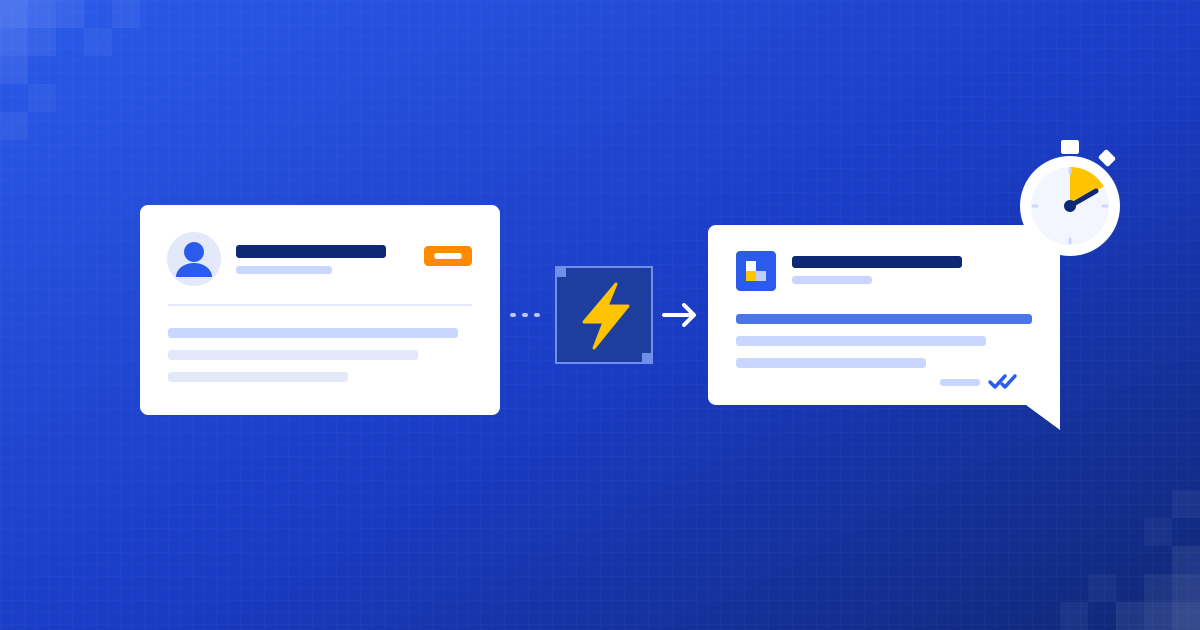
A lead that waits goes somewhere else. Here's how to answer every one quickly without living in your inbox.
Shubham Naliyapara · 4 min read
 Operations
How to automate invoice processing without new software
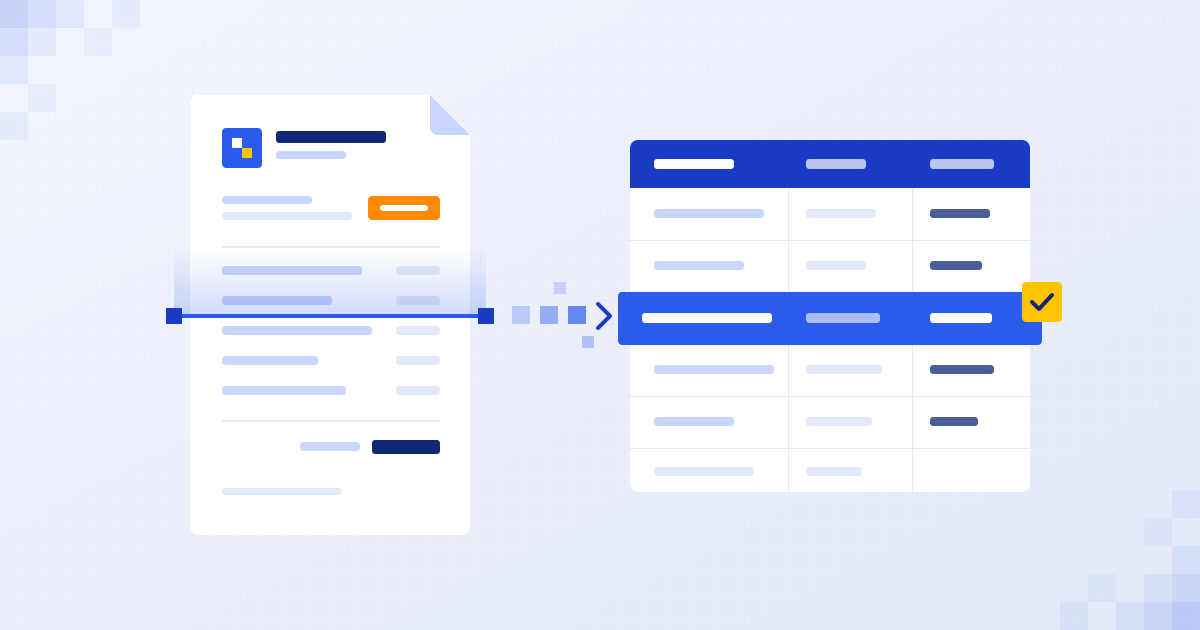
Stop typing invoices by hand. Let AI read them, check them and file the numbers where they belong.
Henil Mehta · 4 min read
 Getting started
What to automate first in a small business: 5 easy wins
The best first automation isn't the clever one. It's the dull job your team does every day and quietly hates.
Henil Mehta · 5 min read

Find your first automation in 30 minutes.
Free audit for construction and trades. Fixed quote after. No surprises.
Book free audit ↗