
Automation by industry / IT Services & Consulting
AI automation for IT services and consulting firms
AI can read incoming tickets, sort them by client, type and priority, and route them to the right engineer with a short summary. It can also run new-client onboarding checklists, warn you before an SLA is breached, chase quotes that have gone quiet and build monthly client reports from your PSA, while engineers keep the technical decisions.
Updated
Sound familiar?
Where the time goes
IT service firms sell their time, so every hour spent on admin is an hour that is not billed. Tickets arrive by email, phone and portal, each one needs reading and sorting, and the urgent ones can sit behind password resets until someone notices.
Around that sits the account work: onboarding new clients, chasing quotes, keeping an eye on SLAs and putting together a monthly report for each client that shows what you did for them. It all matters for renewals, and it all takes longer than it should.
What we automate
5 automations for it services & consulting
- 01Support
Ticket triage and routing
The problem: Tickets arrive as loosely written emails, and someone has to read each one, work out the client, set a priority and decide who should pick it up.
What we build: New tickets are read as they arrive, matched to the client and their contract, given a category and a suggested priority, and assigned to the right queue in your PSA with a two-line summary. Anything that mentions an outage or a security concern goes straight to the on-call engineer.
ExampleSay a client emails at 7am that nobody in their office can reach the shared drive. The ticket is logged as high priority under the right contract and the on-call engineer has it in Teams before the service desk opens.
Client onboarding checklists
The problem: Each new client means the same long list of steps, from collecting admin credentials and device lists to setting up monitoring and documentation, and something always gets missed.
What we build: A signed contract starts a standard onboarding project. The client gets a simple form for the information you need, reminders go out for anything missing, and tasks are created for your engineers in the right order. Your team sees one list of what is done and what is stuck.
ExampleSay a 40-person firm signs on a Tuesday. By Wednesday they have the onboarding form, your engineers have their tasks, and a reminder goes out on Friday for the device list they have not sent yet.
SLA breach warnings
The problem: You often find out an SLA was missed when the monthly report is built or the client complains, long after you could have done anything about it.
What we build: Open tickets are checked against each client's response and resolution times throughout the day. When a ticket is close to breaching, the assigned engineer and the service desk lead get a warning in Teams or Slack with the ticket linked.
ExampleSay a priority-two ticket has 30 minutes left on its response time and nobody has touched it. The service desk lead gets a nudge in Teams and can reassign it before the clock runs out.
- 04Sales
Quote follow-ups
The problem: Quotes for new hardware, projects and licence renewals go out and then sit, because nobody has time to chase them in between tickets.
What we build: Every quote sent from your PSA or quoting tool is tracked. If there is no reply after a few days, a short, polite follow-up goes to the client in your account manager's name. Replies and questions go back to the account manager.
ExampleSay you quoted a client for six new laptops last week and heard nothing. They get a friendly check-in on day five, and your account manager sees it on their list of open quotes.
Monthly client reports
The problem: Building a monthly report for each client means exporting tickets, counting hours and writing a summary, client by client, at the start of every month.
What we build: A report for each client is built from your PSA on the first working day of the month, with tickets raised and closed, SLA performance, hours used and a short plain-language summary. Your account manager reviews it before it is sent.
ExampleSay you look after 25 clients. On the first Monday of the month each account manager has a draft report per client waiting for a quick read, instead of a day of exports.
Works with tools like
ConnectWiseHaloPSAAutotaskMicrosoft TeamsMicrosoft 365IT GlueCase study
AI ticket triage, SLA alerts and monthly client reports for a managed IT provider
FAQ
Questions it services & consulting ask us
Does it work with our PSA?
Usually, yes. ConnectWise, HaloPSA and Autotask all have APIs we can work with. We check your exact setup and what it allows in the free audit.
Will the automation change tickets or client systems on its own?
Only what you agree to. Most firms start with sorting, summaries and alerts, and keep every technical action with an engineer.
How do you handle client credentials and data?
The automation only gets the access it needs for the job, and client data stays in your PSA and documentation tools. We agree all of this in writing before anything is built.
What does it cost?
You get a fixed quote after a free 30-minute audit, once we know which automation is worth building first.
Read more
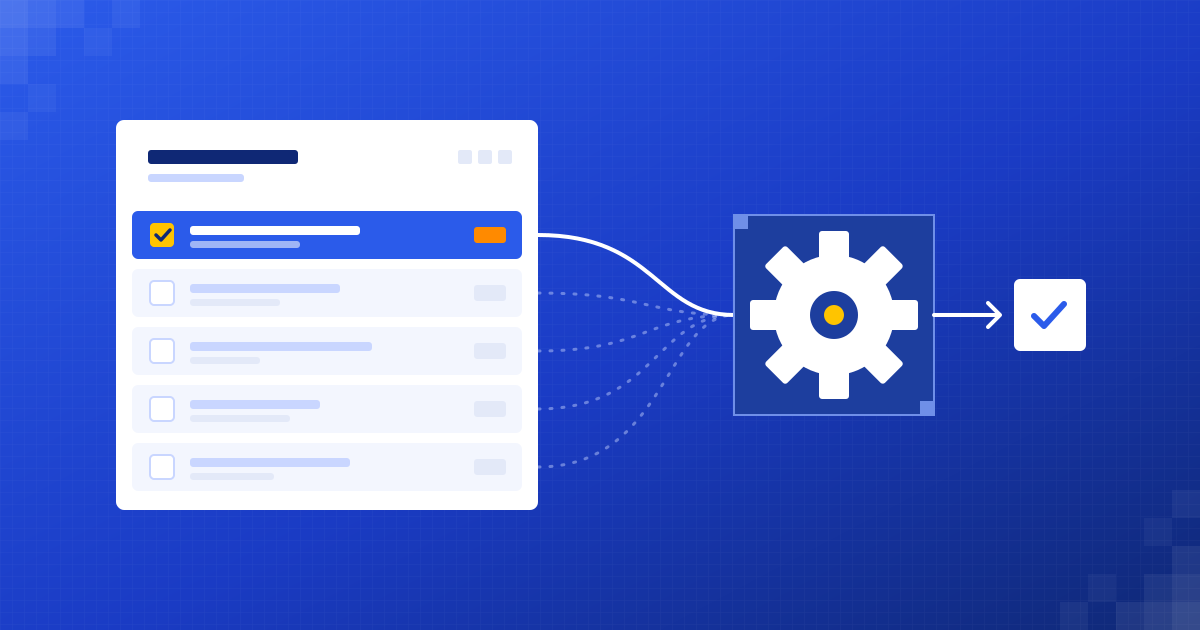 Getting started
What to automate first in a small business: 5 easy wins
The best first automation isn't the clever one. It's the dull job your team does every day and quietly hates.
Henil Mehta · 5 min read
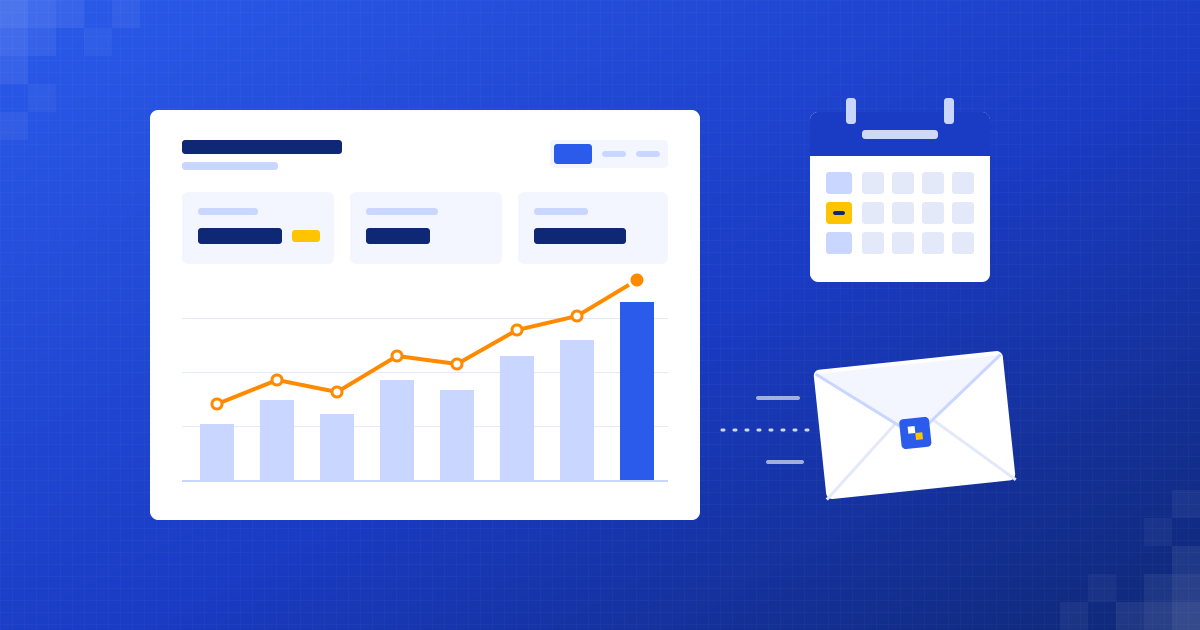 Reporting
How to automate your weekly business report
Stop losing Monday mornings to copy and paste. Let your numbers arrive in your inbox, already summarised.
Henil Mehta · 4 min read
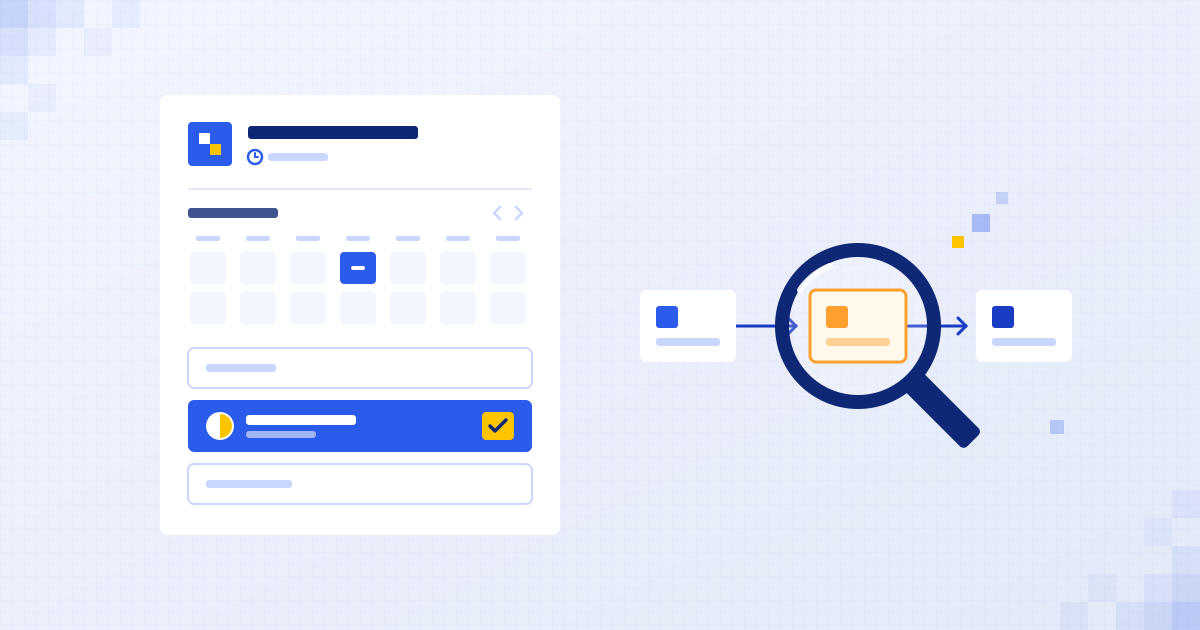 How we work
What happens in a free automation audit?
What we ask, what you get afterwards, and why it really is free. A plain walk-through of our 30-minute audit.
Shubham Naliyapara · 4 min read

Find your first automation in 30 minutes.
Free audit for it services & consulting. Fixed quote after. No surprises.
Book free audit ↗