
Automation by industry / AI & Cloud
AI automation for AI and cloud companies
AI can check your cloud spend every day and warn you about unusual jumps, compare product usage with what was actually billed, and set up new customers with keys, accounts and welcome steps. It can also answer common API questions from your docs and qualify inbound leads, while your engineers and founders keep the pricing, architecture and customer decisions.
Updated
Sound familiar?
Where the time goes
AI and cloud companies have costs and revenue that both move with usage. A test job left running or a customer's traffic spike can change the month's numbers in a day, and by the time the invoice arrives it is too late to do much.
On the customer side, every new account needs provisioning, every API user has questions, and inbound interest ranges from hobbyists to enterprise buyers. Small teams end up doing a lot of this by hand, in between building the product.
What we automate
5 automations for ai & cloud
Cloud cost reports and anomaly alerts
The problem: Cloud bills are hard to read and arrive late, so a runaway GPU job or forgotten test environment can cost a lot before anyone notices.
What we build: Spend is pulled from AWS, Google Cloud or Azure every day and compared with normal levels for each service and project. Unusual jumps are posted to Slack with the likely cause, and a weekly summary shows where the money went. Engineers decide what to shut down or change.
ExampleSay a training job is left running over a weekend. On Saturday morning the team sees a Slack alert that GPU spend in one project is several times its usual level, with the instance named.
Usage-based billing reconciliation
The problem: When you bill on usage, small gaps between what your product recorded and what Stripe invoiced add up, and finding them means comparing exports by hand.
What we build: At each billing cycle, usage records from your product are compared with invoices and subscriptions in Stripe. Mismatches, such as missing usage, wrong plans or unpaid overages, are listed for your finance or ops lead to check and fix.
ExampleSay a customer moved to a higher tier mid-month but is still being invoiced on the old one. Their account is at the top of the reconciliation list before the next invoice goes out.
Customer onboarding and provisioning
The problem: Each new paying customer needs an account, API keys, the right limits, a welcome email and sometimes a shared Slack channel, and doing it by hand delays their start.
What we build: A signed order or completed checkout starts the setup steps in order: account created, limits set to match the plan, keys issued securely and a welcome message with the right docs sent. Anything that needs a custom setup is passed to an engineer with the details.
ExampleSay an enterprise customer signs on Thursday afternoon. Their workspace and limits are set up within the hour and their team gets a welcome email with the quick-start guide, instead of waiting until Monday.
- 04Support
Support for API customers
The problem: Developers ask the same questions about authentication, rate limits and error codes, and your engineers lose focus answering them.
What we build: An assistant in your docs, help desk or community channel answers common questions from your documentation and the customer's plan details. Bug reports and questions it cannot answer go to an engineer with the request and error attached.
ExampleSay a developer gets a 429 error late at night. The assistant explains their rate limit and how to back off and retry, and only logs a ticket if the problem continues.
- 05Sales
Inbound lead qualification
The problem: Sign-ups and contact forms mix students and side projects with companies ready to buy, and sales has no quick way to tell them apart.
What we build: Each new sign-up or enquiry is checked against company information and early usage, given a fit score using rules you agree, and routed. Strong leads go to sales with a short summary, the rest get the self-serve path.
ExampleSay an engineer from a mid-sized company signs up and makes a few hundred API calls on day one. Your founder gets a Slack message with the company, the usage so far and a suggested next step.
Works with tools like
AWSGoogle CloudStripeHubSpotIntercomSlackCase study
Daily cloud cost reports, usage-to-invoice checks and faster API support
FAQ
Questions ai & cloud ask us
Will the automation change our cloud resources?
Only if you want it to. Most teams start with read-only cost reports and alerts, and keep any shutdowns or scaling changes with an engineer.
Does it work with our billing setup?
Usually, yes. Stripe and most usage-tracking setups can be connected. We check how your usage is recorded and billed in the free audit.
What about customer data and API keys?
Keys are issued through your own systems and never stored anywhere new. We agree up front what the automation can read and change before anything is built.
What does it cost?
You get a fixed quote after a free 30-minute audit, once we know which automation is worth building first.
Read more
 Operations
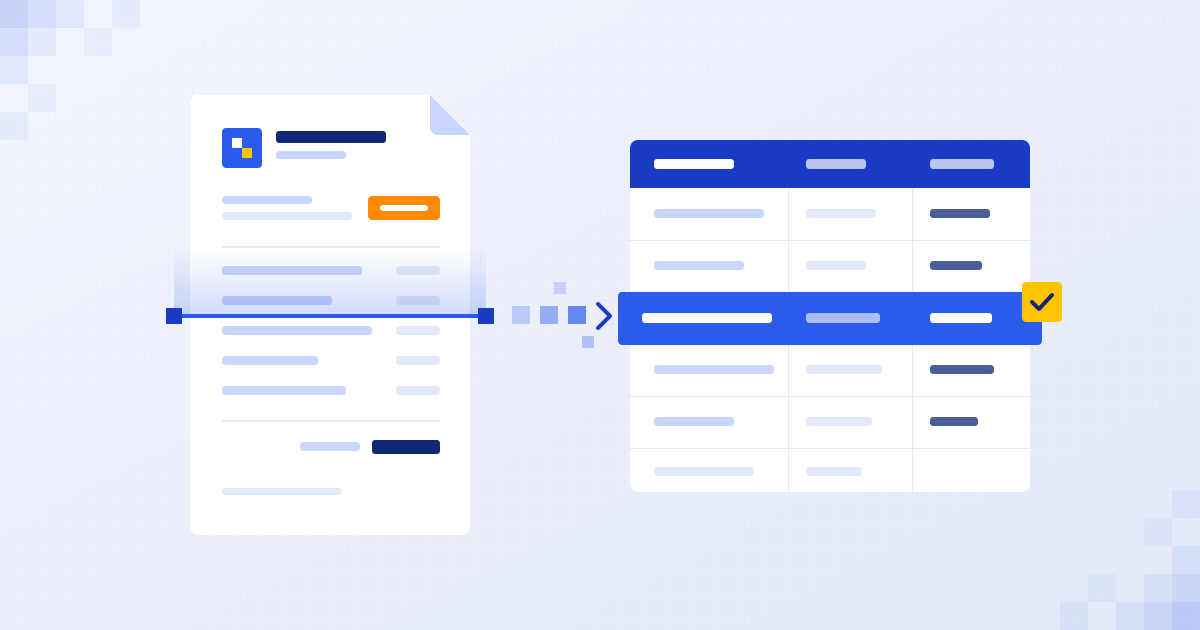
How to automate invoice processing without new software
Stop typing invoices by hand. Let AI read them, check them and file the numbers where they belong.
Henil Mehta · 4 min read
 Support
AI chatbot for customer support: what it can and can't do
An honest look at AI support agents: the questions they handle well, and where a human should always take over.
Henil Mehta · 4 min read
 Sales
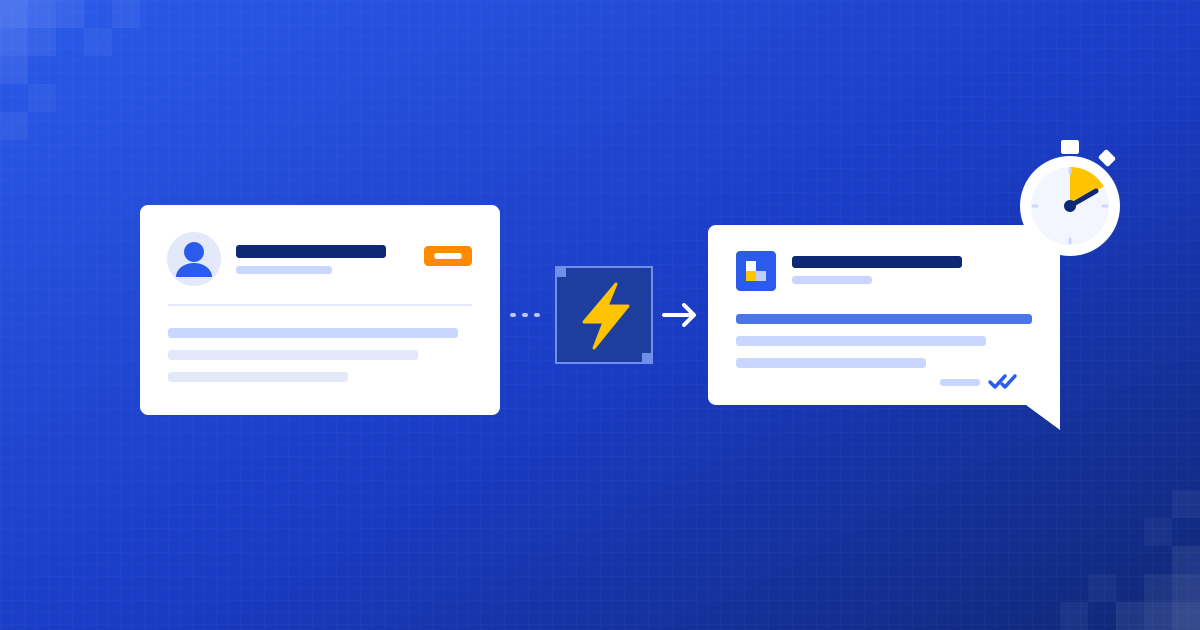
SalesAutomated lead follow-up: how to reply to every lead fast
A lead that waits goes somewhere else. Here's how to answer every one quickly without living in your inbox.
Shubham Naliyapara · 4 min read

Find your first automation in 30 minutes.
Free audit for ai & cloud. Fixed quote after. No surprises.
Book free audit ↗